Blockchain and CryptocurrenciesTechnology 
How can you earn money from the Cocoon Telegram network? 2026


In this article, you will learn how to earn money and launch Telegram’s Cocoon artificial intelligence network.
The Cocoon decentralized network, recently introduced by Pavel Dorof on the TON blockchain, has created a new opportunity for owners of powerful hardware. On this platform, you can rent the processing power of your graphics card to run artificial intelligence models by converting your server into a Worker and receive TON cryptocurrency in return. However, entering this market requires special equipment and technical knowledge. Below, we explain the prerequisites, setup steps, and tips for developers.
System requirements for running Cocoon Network
First of all, you should know that the new Telegram platform is not designed for home computers or gaming laptops. To better understand the Cocoon network, start by understanding how this platform works. This network requires powerful hardware to ensure security and speed. The list of minimum system requirements for users who want to earn money by providing processing power is:
- Processor (CPU): Must support Intel TDX (Intel Secure Domain Extensions). Enabling TDX requires a 5th-generation Intel Xeon Scalable or Intel Xeon 6 processor. This feature is essential for creating a secure and confidential environment.
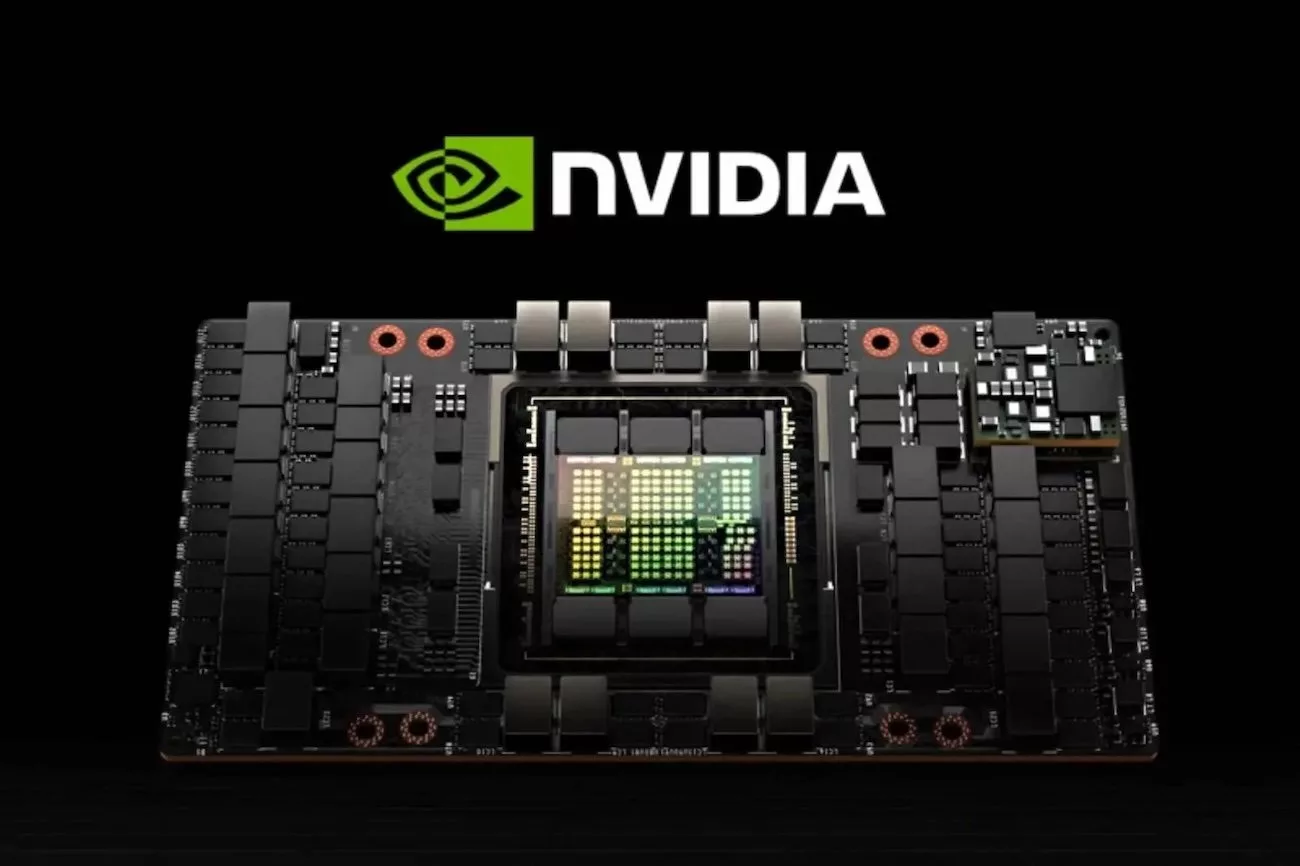
- Graphics card (GPU): You need a professional Nvidia GPU with Confidential Computing support (such as the H100 series or higher). Of course, it is better to know that the price of an H100 graphics card on the global market is between 25,000 and 30,000 dollars.
- Operating System: Linux with kernel version 6.16 or higher (for full TDX support).
- Virtualizer: QEMU software version 10.1 or higher with TDX support.

Step-by-step instructions to set up a Cocoon network
If you have the required hardware, the process of joining the Cocoon network is as follows, which you must perform on your server:
1. Preparing the security environment
First, open your server’s BIOS and enable Intel TDX. This feature allows the processor to process data in an isolated, encrypted environment. You also need to install the latest Nvidia graphics card drivers to enable Confidential Computing.
2. Download the official Worker software
You need to download the Worker software package directly from the official Cocoon repositories. This package includes all the tools required to securely connect to the network, receive orders, and process them.
3. Activate the key management system
To keep your data secure, you need to run a service called Seal Server on your system. This program manages encryption keys so that, even if your server restarts, the security of your data and your identity on the network is not compromised.
4. Wallet settings and connection
The most important part of the job is editing the configuration file (Config). In this step, you need to specify three things:
- Determine which model your hardware will run (e.g., the large language models Qwen or Llama).
- Enter your TON wallet address to have the proceeds from the GPU offering deposited directly into it.
- Please enter the exact address of your graphics card so that the software can use its full potential.
5. Implement and start earning money
Once configured, running the final script will connect your server to the Cocoon network as an active Node. From this moment on, the system will automatically receive and process user requests, and the fee will be deposited into your wallet instantly.
The important thing is that in the Cocoon network, TEE technology only guarantees security, not speed. For this reason, a “credential system” is designed to determine workers’ income based on their performance. Proxies constantly monitor your server’s response time and success rate.
If your server is slow or drops requests, your reputation will suffer, and proxies will refer fewer jobs to you. Conversely, stable, fast servers will be prioritized for orders and generate more revenue. These scores are recorded on the blockchain for greater transparency.
How can developers use Cocoon?
If you are a developer without the required hardware, you can still use the network as a customer. Cocoon allows you to add AI capabilities (such as chatbots or image analysis) to your application with complete privacy.
The main advantage of this network is that no one (not even the owner of the AI server) has access to your users’ data. Also, a lightweight library and Docker container will soon be released for developers, making it very easy to connect applications to the Cocoon network. You can buy the processing power you need from this network instantly by paying TON currency.