Increasing the security of WordPress websites is a top priority for web admins. Identifying malicious code on a WordPress site requires scanning the site. To detect infected templates and plugins, you can use the available online tools. In this article, we address an important security issue for WordPress websites: scanning the site to identify malicious code. We will also introduce you to online tools that are suitable for this task. So stay with us until the end of this article.
The necessity of identifying malicious code in WordPress by scanning the site
Templates and plugins are components that directly affect website security. Many people, thinking we are getting templates and plugins from reputable websites, do not take any action to scan their WordPress sites for malicious code. But the thing to keep in mind is that the process of identifying infected templates and plugins has nothing to do with the source from which they are downloaded. For this reason, you should pay close attention to scanning your WordPress website to identify malicious code.
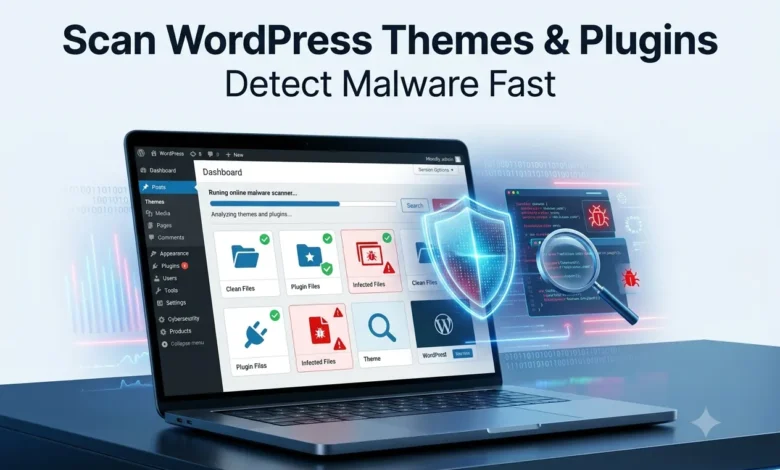
The thing to note here is that manually scanning your WordPress themes or plugins for malicious code is not a wise idea. You will have to spend a lot of time and energy on this. That is why you need a tool that automatically scans your themes and plugins and notifies you if they are infected.
Scanning your WordPress website daily has many benefits for you, including:
- By scanning your WordPress website daily, you can identify security issues early and prevent a hack. We recommend
- If an unauthorized user accesses your website, this can affect your website’s bandwidth.
- You may receive sensitive information from your users, such as their first and last names or mobile numbers, and you will be in trouble if hackers gain access to it.
- Google will block your website due to malware or malicious code, affecting the performance of your entire site.
- Your colleagues and partners may provide referrals and advertisements to your website to improve their websites, and you will also be responsible for protecting them.
Using online tools to detect infected themes and plugins
You can identify infected themes and plugins and solve the problem much more accurately and quickly by using online tools without having to scan each plugin and theme for malicious code in WordPress. For this purpose, we will introduce you to the tools that are suitable for this task and explain how to use them. So stay with us until the end of this article.
1- WPScans.com online tool for detecting malicious templates and plugins
You can use this website and its smart algorithms to identify all the bugs and security issues on your website. With its help, you can identify the active templates and plugins on your website and detect potential database issues. Just enter your site address in the relevant field and click the START SCAN button.

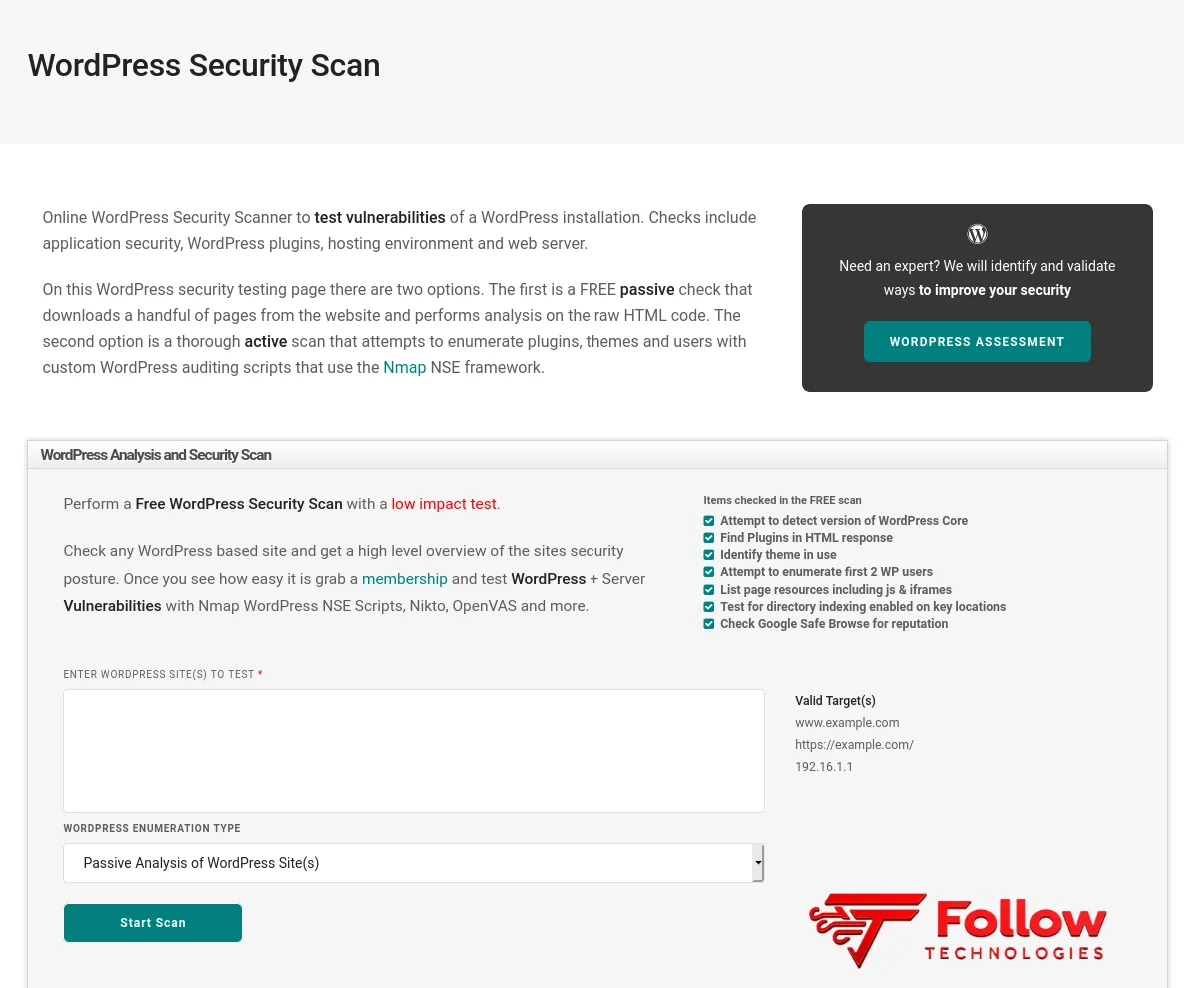
2- Detecting malicious code in WordPress: WordPress Security Scan
Using this website, you can analyze your WordPress applications, plugins, themes, and hosting. In addition to the above analysis, this website also scans a large number of pages on your website and identifies bad HTML code.
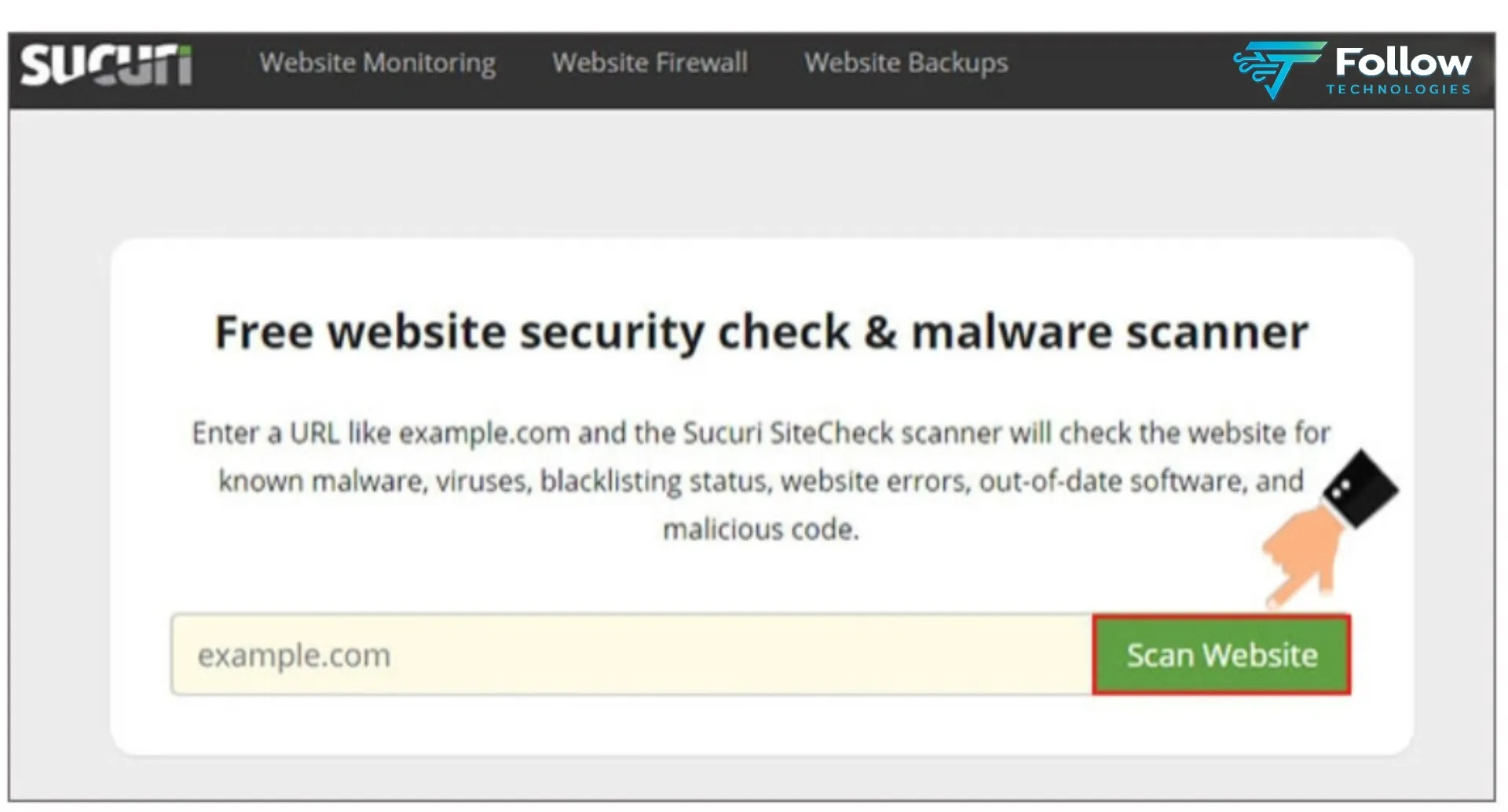
3- Check the health of your WordPress site with the online tool Sitecheck. sucuri
Another website that you can use to scan your WordPress website for malicious code is Sitecheck. sucuri. Using this website, you can scan your website for free. It then presents the information to you in a comprehensive report.
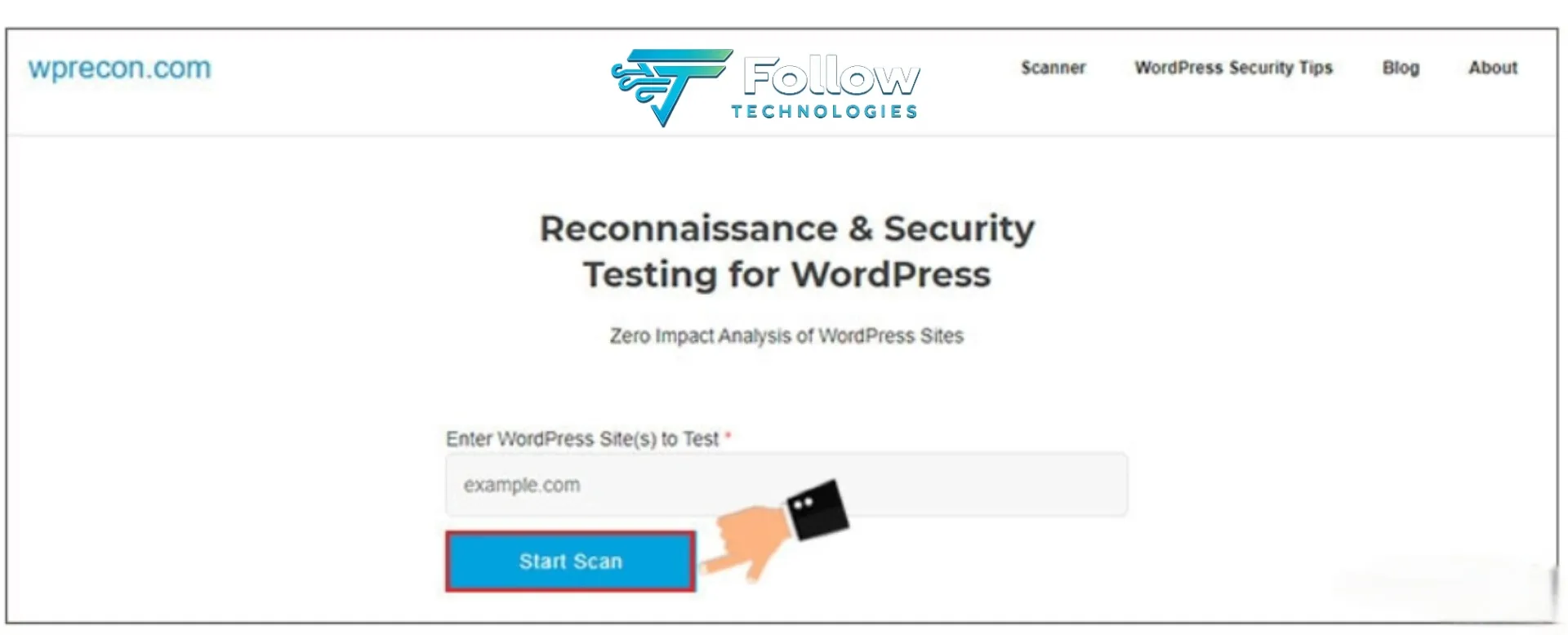
4- Detecting infected WordPress website templates and plugins with WPrecon.com
You can monitor your WordPress site using this online tool. You can check what plugins or themes are active on your website. You can also check your website for malware, external links, safe browsing, and much more. All these checks will be provided to you in a report.
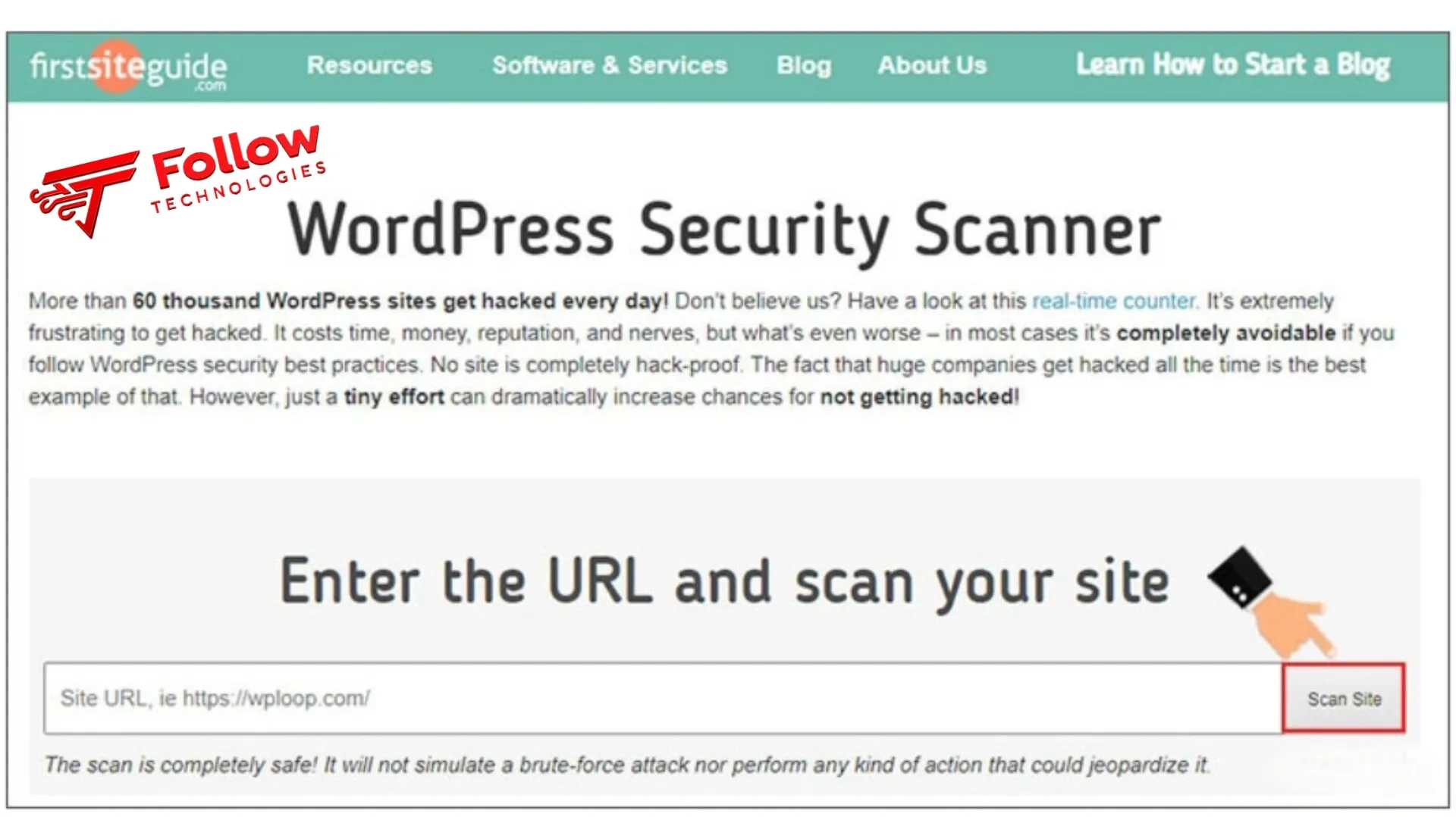
5- Scan your WordPress site with the online tool WPloop
Using this website, you can check information such as failed login attempts, themes, plugins, meta tags, headers, and, in general, all WordPress files. You will also receive a comprehensive report on potential causes of damage to your website.
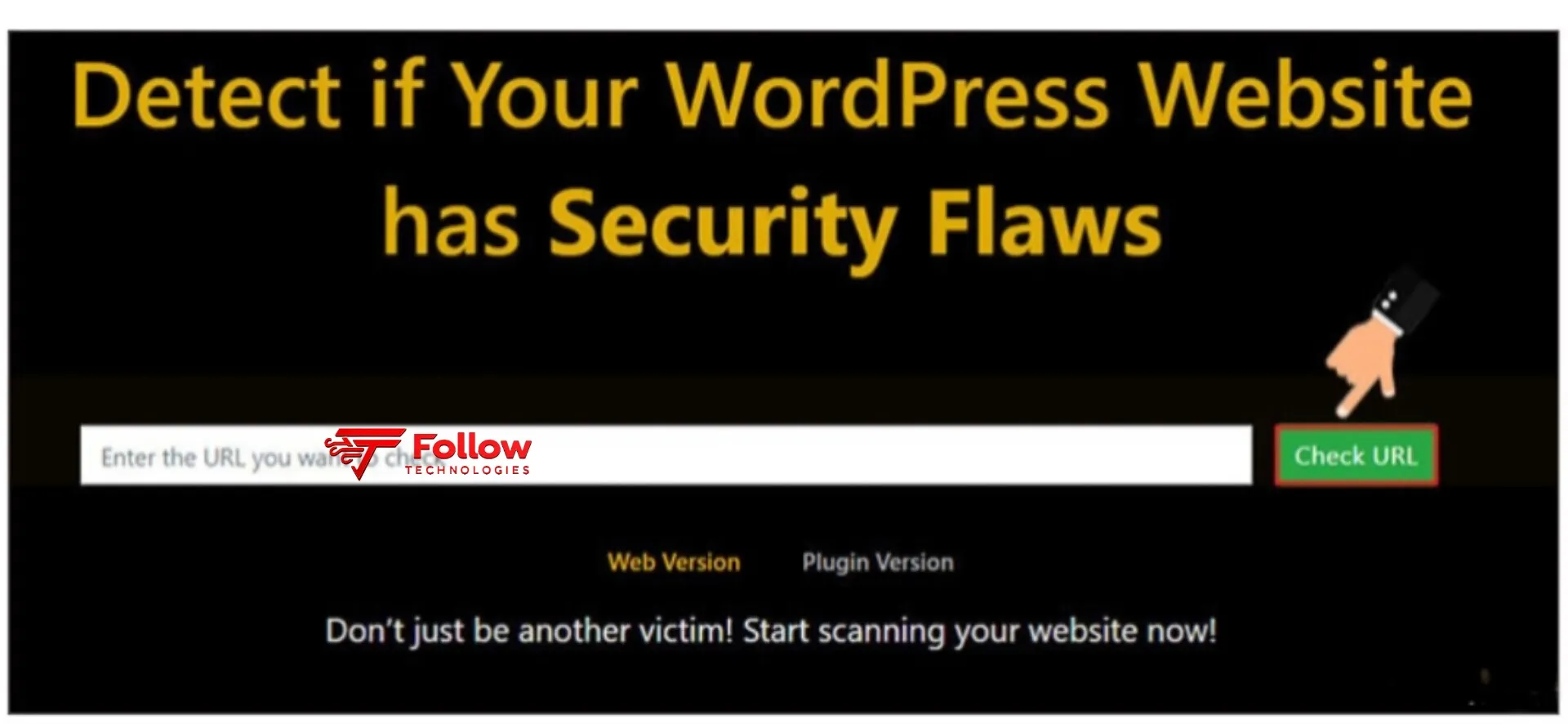
6- Identify malicious code using WP Plugins Vulnerability Detector
Another website that you can use to identify vulnerable parts of your website and possible malware is WP Plugins Vulnerability Detector. Using this tool, you can prevent hackers from infiltrating your website and ensure the security of your website’s themes, plugins, and content.
Your website will also be protected against SQL injection, PHP file requests, and brute force attacks. In addition to all of the above, your website’s vulnerabilities will be identified, and appropriate tools to protect it will be introduced to you.
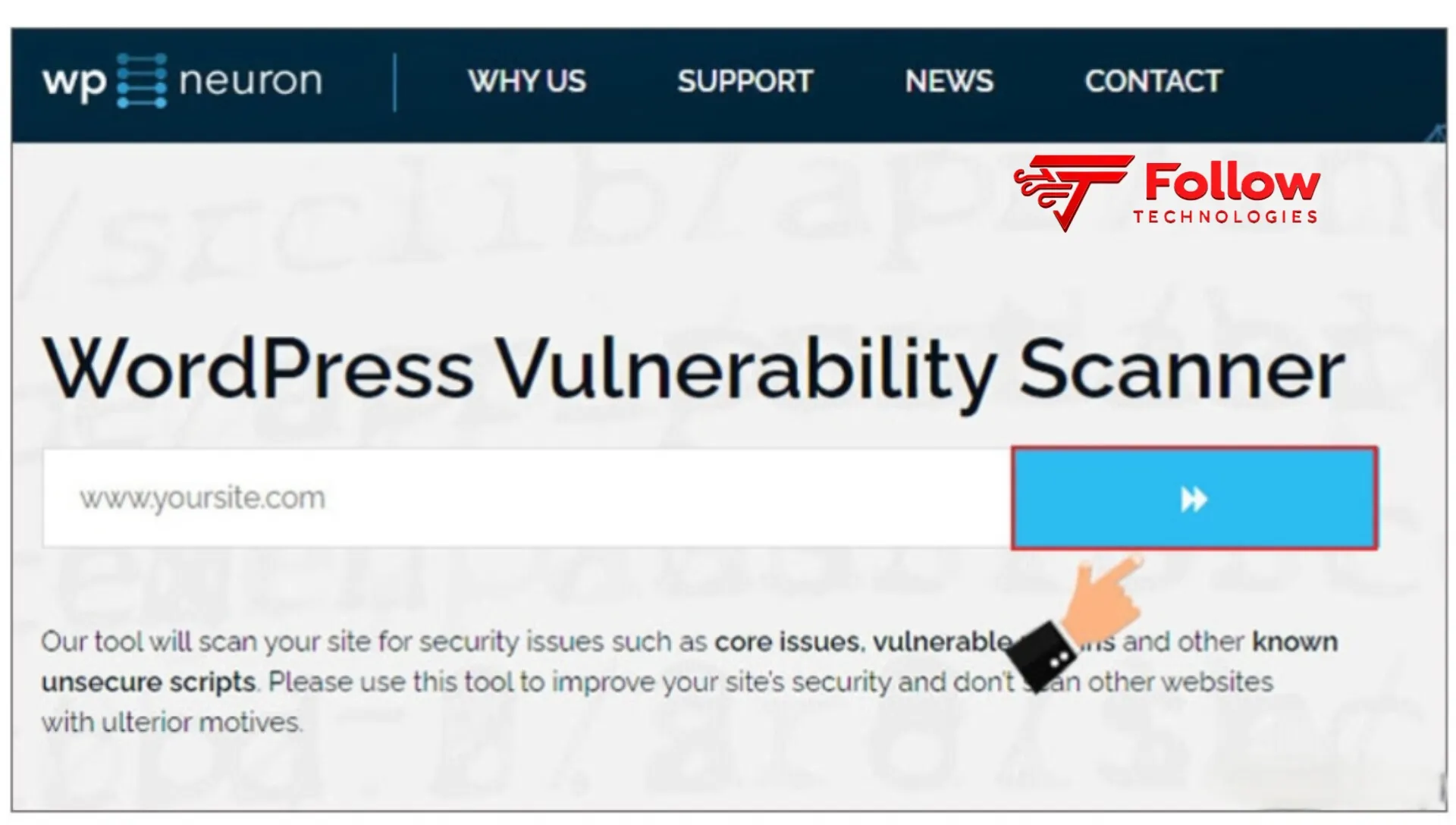
7- Scan your WordPress site with WP Neuron
This website is great for identifying vulnerabilities in plugins, themes, core files, and libraries. It also detects weak passwords that are susceptible to brute-force attacks and scans all files to ensure that all scripts are well protected against threats.
8- Scan for infected themes and plugins with the Acunetix online tool
You can use Acunetix to perform a full scan of your WordPress website. It will also check your website for SSL, SSRF, XSS, headers, SQL injection, plugins, themes, WP-CONFIG.PHP files, admin passwords, and more. It will also provide a comprehensive report on the vulnerabilities in your website and recommendations to fix them.
9- Scan the health of your WordPress site with Virus Total
VirusTotal, one of Google’s subsidiaries, performs a comprehensive security scan to detect malicious code on your WordPress website. This online tool not only scans WordPress websites, but you can also use its reports to protect your website from all threats.
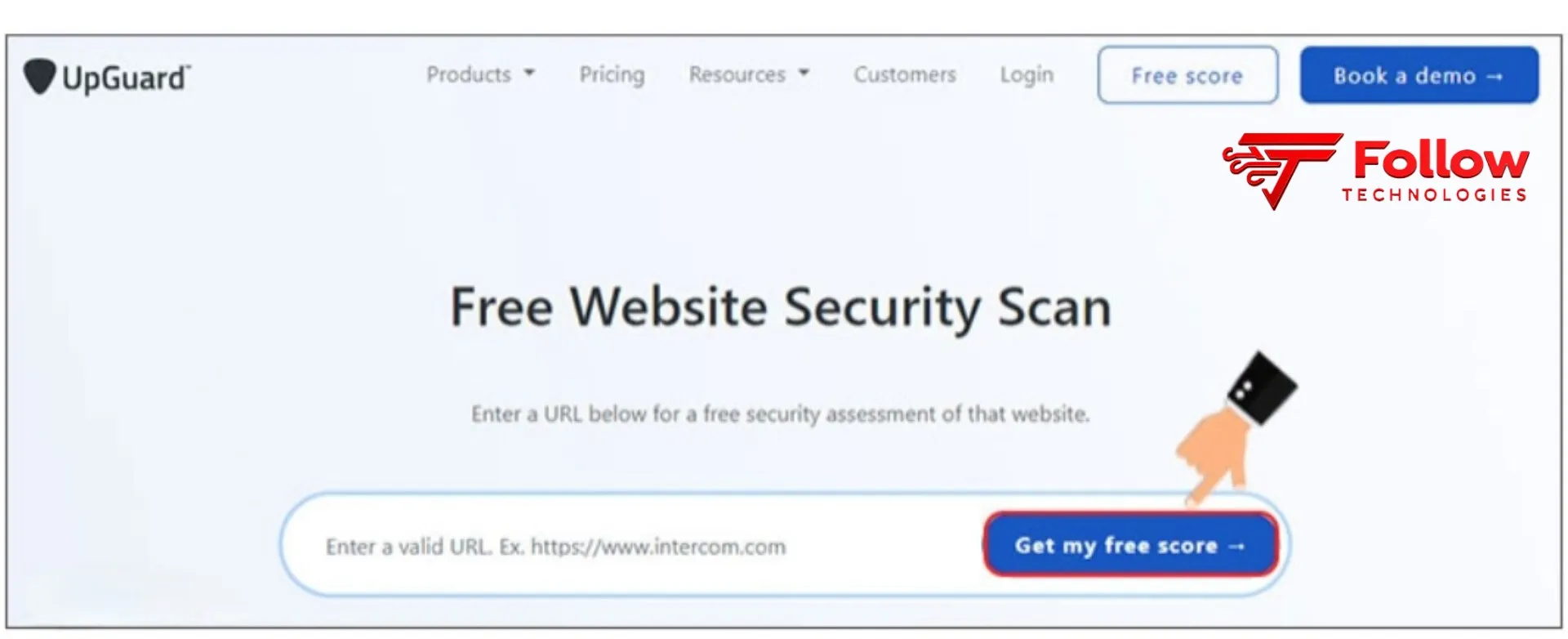
10- Identifying malicious code in WordPress using the Upguard tool
This program performs all necessary scans of your website and organizes headers, information, scripts, meta tags, SSL certificates, communication services, DNS records, and Google Safe Browsing. With this program, you can scan your website and check its vulnerabilities in templates, plugins, domain expiration, emails, databases, SSL strength, administration, user authentication, file sharing, and more.
11- Facing potential website threats with the online tool Pentest.Tools
This program also scans your website completely and identifies vulnerable points. Then it provides the information obtained in a PDF report. Using this tool, you can identify problems and threats to your website.
12- Protect your website from hackers with Web Inspector
This website also provides a complete scan of your website and checks for and analyzes malware, Trojans, phishing attempts, potential threats in templates and plugins, suspicious updates, and your website activity.
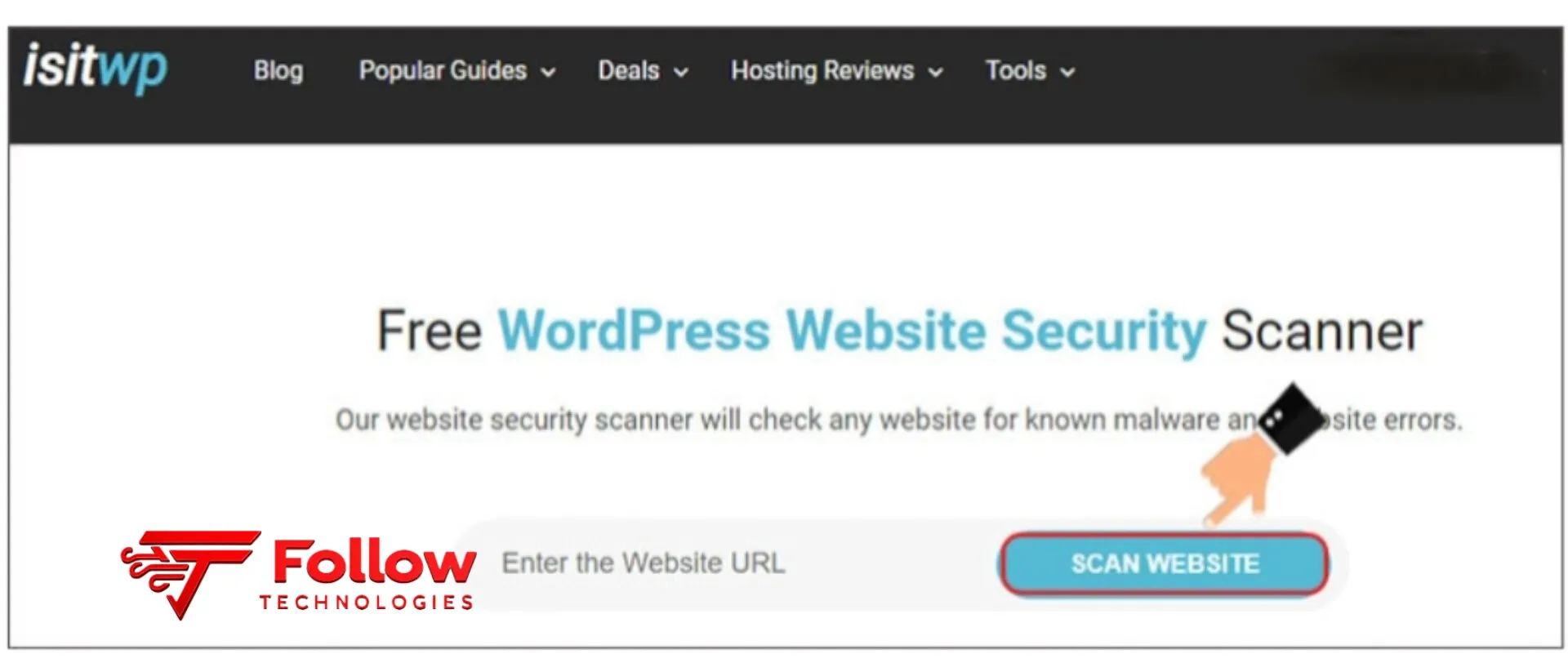
13- WordPress Website Security Scanner by IsItWP
Sucuri designs this tool and actually provides very good security solutions for your website. Of course, you can also use its free version by just entering your website address. The user interface of this program is very simple; you can scan your website by entering its URL.
Ways to prevent your site from being hacked
To protect your website from hackers, you need to keep in mind and follow several general tips:
- Never choose the same username and name displayed on the website.
- Use a completely different email address to log in to your website.
- Set limits for your WordPress login.
- Use a strong password to increase the security of your WordPress website.
- Enable two-step verification for WordPress logins for your website.
- Update your WordPress theme and website plugins regularly.
- Take steps to regularly back up your site by learning how to back up and restore backups in WordPress.
- Delete plugins and themes you don’t use.
In this article, we have tried to teach you how to identify infected WordPress website templates and plugins, provide a complete guide on scanning WordPress sites, and introduce you to suitable online tools for identifying malicious code in WordPress. Be careful, if you have any questions or doubts, you can contact us through the comments section of this article.