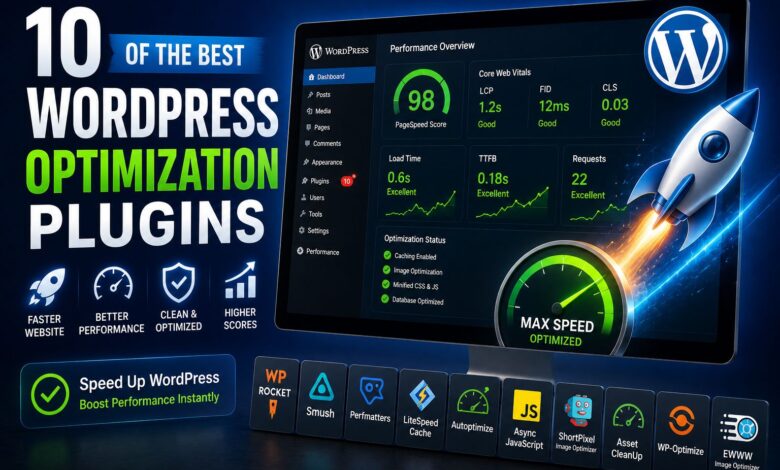
WordPress optimization is an important topic that has long been considered a means to improve website SEO and user experience. In this article, we are going to introduce 10 WordPress optimization plugins; so stay with us until the end.
1. WP Rocket WordPress Optimization Plugin
WP Rocket is arguably the most powerful WordPress caching plugin on the market. In addition to providing you with a lot of caching capabilities, this WordPress optimization plugin also offers other features that you might not expect. All of these features are packaged in a very user-friendly interface. Compared to other WordPress caching plugins that are difficult to use, this plugin is very easy to use. Also, the installation process for this plugin is easier than that of similar plugins designed for this purpose.
Another feature of the WP Rocket plugin is that many of the features that you need to install several other plugins to access are included in this plugin. Image optimization in WordPress, database optimization, and the ability to add Google Analytics to your website are among the most interesting features of this plugin.
Another important feature of the plugin is that, when using it, JavaScript code is executed with a slight delay rather than at the beginning of the website’s loading time. Given that the website’s initial loading speed is a factor affecting its SEO, this feature has a positive effect on it. Therefore, if you need a WordPress website optimization plugin, WP Rocket can be an ideal option for you.
Some of the features of the WP Rocket plugin include:
- User-friendly interface
- Minimum settings required to improve speed
- Optimize HTML, CSS, and JavaScript code
- Using Page Caching
- Image optimization
- Database optimization
- CDN integration
- Direct integration with Cloudflare
- Delay in JavaScript code execution time
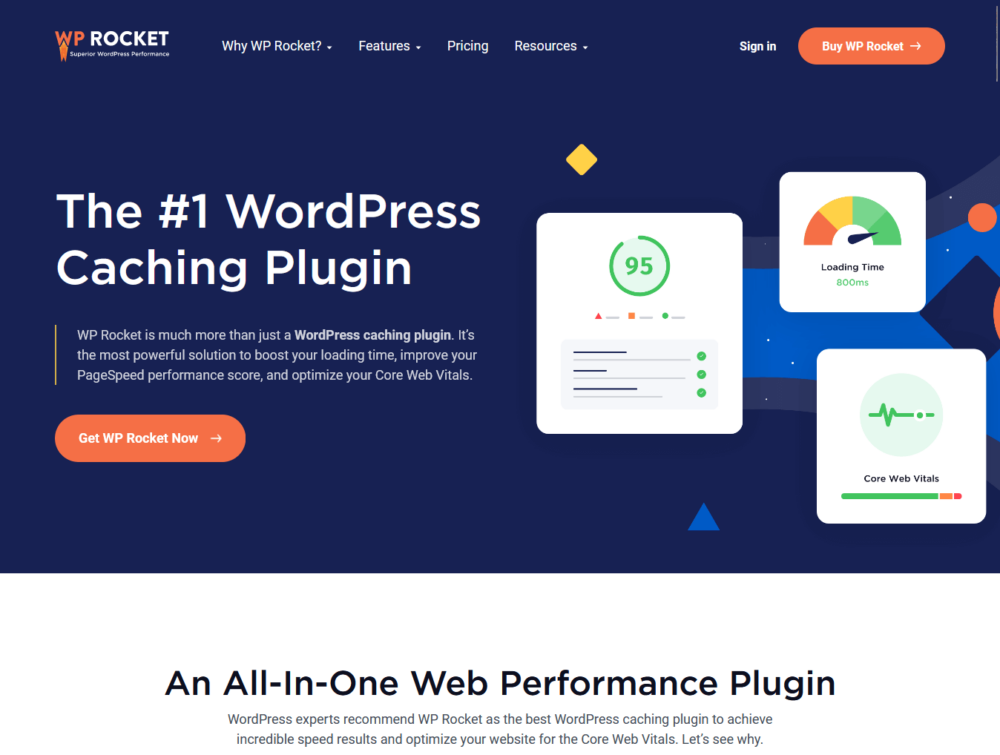
WordPress Optimization with WP Rocket Plugin
2. Perfmatters WordPress Optimization Plugin
Perfmatters is a new approach to improving your website’s page load time compared to most of the plugins on this list. WordPress comes with default settings that are not needed for all websites and that can hinder website performance. Perfmatters lets you turn off these options with just a few clicks.
Another factor that negatively affects your website is the use of unnecessary HTTP requests. Perfmatters allows you to disable these scripts on any page of your website. This way, plugins will load the code exactly where they need to be, preventing unnecessary code execution.
You can also use some of the other features that are designed to increase website performance, such as Preconnect and Google Analytics hosting. These features will allow you to use Perfmatters alongside other WordPress caching plugins even if you have another plugin installed on your website.
Some other features of the Perfmatters plugin include:
- Turning off unnecessary WordPress options that slow down website performance.
- Disabling scripts on a per-page or per-post basis
- REST API control capability
- Plugin lightweight
- Ability to work with cache plugins available on the website
- Ability to use advanced website performance enhancement features such as Preconnect
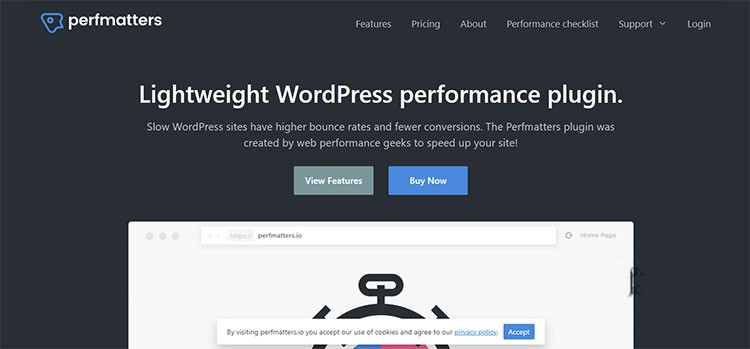
Perfmatters WordPress Optimization Plugin
3. NitroPack WordPress Optimization Plugin
NitroPack is another plugin that has a variety of features. For example, NitroPack, in addition to being a WordPress website optimization plugin, can also be used as an image optimization plugin. To use this plugin, install it, then adjust your website’s optimization level.
After doing this, NitroPack will automatically start working and optimize your website by minifying and compressing, setting up the cache, optimizing images, using new formats such as SVG, delaying the execution time of JavaScript, etc. Another important point is that all the optimization activities of this plugin will be performed on the plugin’s own servers. This can reduce your server or host usage.
Other important features of the NitroPack plugin are as follows:
- Automatic website optimization
- Full support for WordPress and other content management systems
- Set up various caching methods, including website cache and browser cache
- Use as a WordPress image compression plugin
- Converting images used on the website to new generation formats such as SVG
- Deferring JS code execution
- Minify and compress HTML, CSS, and JS code
4. WP Fastest Cache plugin
Another WordPress optimization plugin is called WP Fastest Cache, which is professionally focused on caching. This plugin has many features that are also quite simple to use. It is worth noting that some plugins are too easy to use, while others are extremely difficult; however, the designers of WP Fastest Cache have struck a balance. To use this plugin, you need to install it and apply the desired settings. More than a million people worldwide use this plugin and are happy with it.
Among the features of the WP Fastest Cache plugin are:
- Easy to set up and use
- Ability to use a caching system with the ability to control cached files
- Ability to put a post or page in the list of exceptions for caching settings
- Ability to compress and optimize HTML, CSS, and JavaScript codes

Best Cache Plugin (WP Fastest Cache)
5. Cache Enabler plugin
Cache Enabler is a powerful plugin from the KeyCDN team. In fact, this plugin is a lightweight caching plugin that you can set up in just a few minutes. Setting the timing for deleting cached files, compression, and other operations is an important feature of this plugin. This plugin is very powerful, but it lacks a variety of features. Of course, if you need CDN-related settings, you can use the CDN Enabler plugin.
Some other important features of the Cache Enabler plugin include:
- Simple setup
- Ability to intelligently delete cache (e.g. after sending a new post)
- Ability to set the caching purge time
- Website optimization
Speed up WordPress with the Cache Enabler plugin.
6. WP Super Cache plugin
WP Super Cache is another free plugin for optimizing WordPress websites. Since its launch, it has been downloaded more than 5.5 million times, which is a testament to its power. The great thing about this WordPress website optimization plugin is that it is very fast to set up, yet it offers advanced settings to improve your website’s performance.
Some of the features of the WP Super Cache plugin are as follows:
- Supports multiple types of caching systems such as PHP, Mod_Rewrite, and Legacy
- Static HTML file capabilities
- Cache Preload
- CDN capability support
7. W3 Total Cache plugin
W3 Total Cache is another popular plugin for optimizing WordPress websites. It gives you many options for accessing different caching methods. It also has good features to support Cloudflare and other CDN services.
Although the W3 Total Cache plugin has a lot of features, setting it up and using it is not as easy as the other plugins introduced in this article; therefore, we recommend using it only for advanced users. Another important point is that once installed and activated, the plugin in question cannot be easily removed.
Among the features of the W3 Total Cache plugin are:
- CDN support
- Browser caching system
- Database caching system
- Object caching system
- Compression
8. WP Super Minify plugin
The main idea behind the WP Super Minify plugin is to combine HTML, CSS, and JavaScript files. This way, it will be possible to reduce the website’s loading time. It is worth mentioning that you should be careful when using this plugin, as there have been reports of problems using this plugin in the past.
Among the features of the WP Super Minify plugin are:
- Ability to compress HTML, CSS, and JS codes
- Having the option to disable JS and CSS code minification
- Easy to use
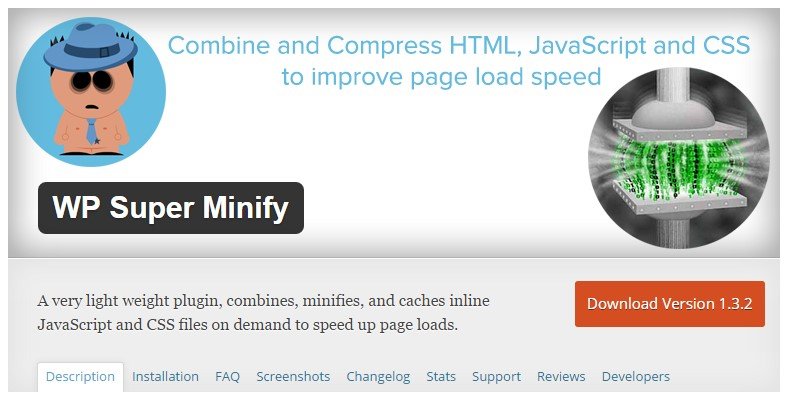
Reduce website loading time with WP Super Minify.
9. SMUSH plugin
Smush is a WordPress image compression plugin based on Yahoo’s Smush.it service and will help you speed up your website. Smush works by removing extra bytes from images used on your website. Unlike some other plugins, Smush optimizes your website without reducing image quality, which is why it has become a popular WordPress image optimization plugin.
Some of the features of the Smush plugin are as follows:
- Ability to remove metadata from JPEG images
- Ability to optimize JPEG images by compressing them
- Ability to integrate with the Smush.it API
- Ability to remove some unused colors in images and help optimize them
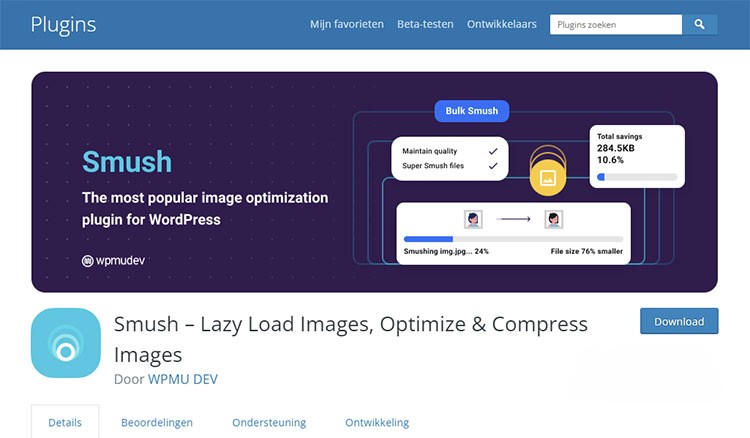 WordPress Image Optimization Plugin Smush
10. LazyLoad plugin powered by WP Rocket
When a user visits your website and wants to access a page, the entire page is loaded. Now, if this page has a lot of images, the time it takes to do this will increase. The reality is that the user may not need to load the entire page, especially images that take the most time to load.
The idea behind the LazyLoad plugin is to load elements only when they are needed, not at the beginning. Another feature of this plugin, which can be considered a WordPress image optimization plugin, is that you can replace the iFrames for your YouTube videos with small images used as previews.
Some of the important features of the LazyLoad plugin include:
- It does not use JQuery or JavaScript; therefore, it is very lightweight.
- Ability to replace YouTube video iFrames with thumbnails for previews
- Can be used for thumbnail images and images used in posts.
Conclusion
In this WordPress article, we introduced several WordPress optimization plugins and explained how they work. One of the factors affecting website SEO is its loading speed. In fact, Google places great importance on the user experience when viewing your website; therefore, many plugins have been designed to optimize WordPress websites, each with a specific function.
Frequently Asked Questions
1. How can you increase website loading speed?
This can be done using plugins designed to optimize your website.
2. What does a WordPress image compression plugin do?
These plugins help improve website loading speed and, as a result, optimize the site by reducing image sizes.
3. What are the benefits of slowing down website loading speed?
One of the factors affecting a website’s SEO is the time it takes users to load the website; thus, by using existing methods to optimize it, its SEO will also improve.
4. What exactly do caching hosting plugins do?
When a user tries to access your website, the information has to be downloaded from the server or host and displayed to them. Now, if this process repeats every time you visit the website, your host will be involved, and the website’s loading speed will slow down. What caching plugins do is, after downloading the website information from the host once, load it from the user’s hard drive on the next visit, thereby increasing the website’s loading speed.